After transferring a .nl domain, email may appear to stop receiving, sending or signing in. First identify the exact symptom rather than changing several settings at once. A short timeline and a clear distinction between delivery and account access make recovery easier to organise.
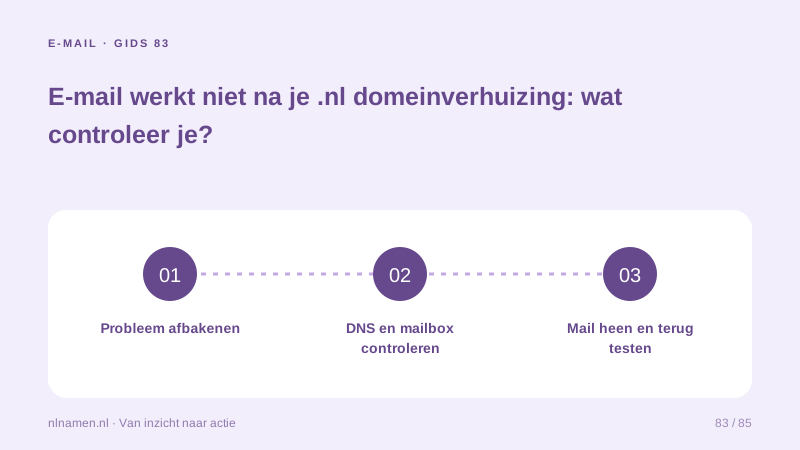
Create a timeline and keep the error
Record the transfer time, last successful mail test and any separate DNS, hosting or mail changes. Keep bounce error codes and try webmail where available. If webmail works but one phone app does not, investigate that app first rather than starting another domain transfer.
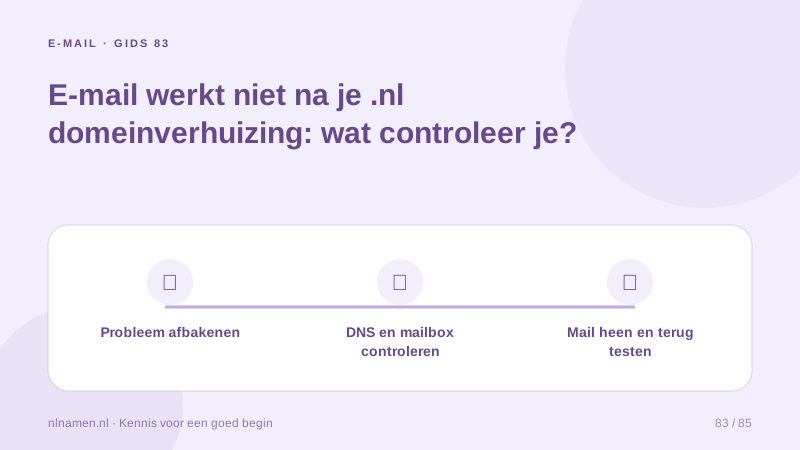
Check the active nameservers
Our incoming transfers preserve existing nameservers and checked DNSSEC settings. Still verify the actual delegation and whether its DNS service remains active. Ending an old hosting package may also end its DNS service. Keeping nameserver names only helps while those servers continue answering.
Check where DNS is actually managed →
Trace incoming mail through MX and the mailbox
Compare public MX records with the current mail provider’s settings, then check whether the mailbox exists, its subscription is active and storage is available. DNS does not create accounts or copy messages. A mail-provider change needs its own migration plan and tests before the previous service ends.
Prepare a separate email migration →
Separate sending failures from receiving failures
If receiving works but sending fails, distinguish an app sign-in error from a recipient rejection. Check current SMTP settings for sign-in failures. Ask the mail provider to assess rejection codes and its authentication records for delivery failures. Keep settings tied to the provider that actually sends your messages.
Make one recovery change and retest
Agree one change and save its previous value. Test an external message to your domain and a reply back, then check a second device if the symptom appeared app-specific. Give support the domain, timeline, error and test results without publishing a password or transfer code.
Your practical checklist
- Separate receiving, sending and sign-in symptoms.
- Check that the active DNS service still operates.
- Compare public MX with the mail provider.
- Check mailbox, subscription and storage.
- Keep error codes and test both directions.
After a registrar transfer, an old hosting package is also cancelled. The mail provider is unchanged, but its DNS zone was tied to that package. Recovery therefore focuses on restoring the DNS service and checked records rather than purchasing a second mailbox to fix discovery of the existing one.
Common questions
Does the mailbox automatically move with my .nl domain?
A registrar transfer does not copy mailboxes. Existing mail can continue if DNS and the subscription stay active. Moving to another mail provider is a separate task.
Should I immediately change nameservers when mail fails?
Check the cause and save current settings first. An unprepared nameserver change can make recovery harder. Change DNS with a checked zone and recovery plan.
Sources and further reading
Registration rules and provider functions can change. Check the current requirements for your domain before ordering or changing services.
Ready for your own .nl?
€9.99 for year one, €12.99 renewal or 3 years for €27. No hosting required.
Check your domain →