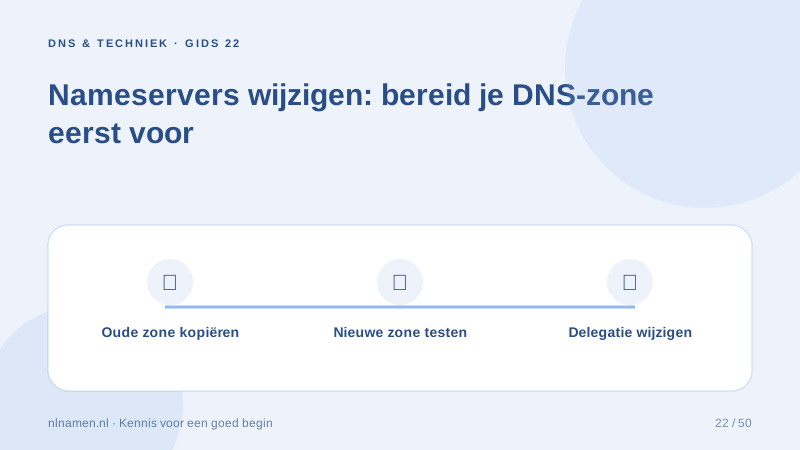
Changing nameservers changes where authoritative DNS answers come from. It does not move website files or mailbox contents.
Copy more than the website record
Inventory website, mail, verification and subdomain records. Automatic imports may miss entries, so compare the new zone with the old before changing delegation.
Check DNSSEC before switching
DNSSEC delegation must match the new provider’s keys. A stale DS record can break validation. Coordinate this separately; a nameserver update does not imply automatic DNSSEC-key migration.
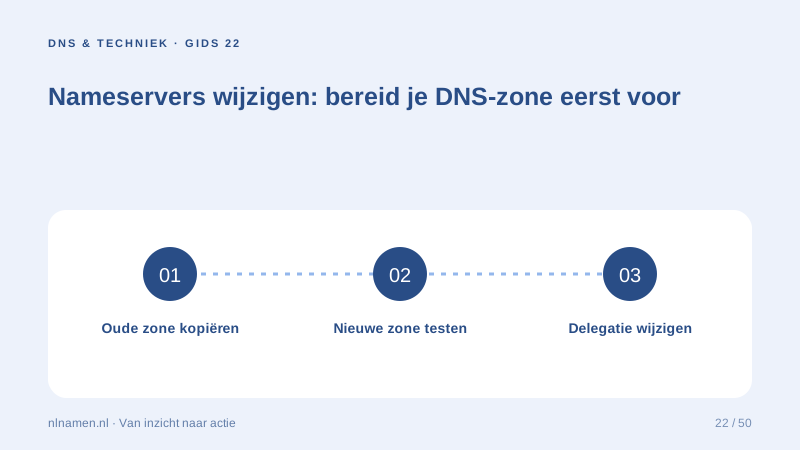
Test authoritative answers and caches
Use at least two valid, distinct nameservers and follow extension-specific requirements. Verify delegation and services after saving, and retain the old zone during the planned transition.
Your practical checklist
- Copy the full zone.
- Check DNSSEC and DS records.
- Use at least two nameservers.
- Test mail in both directions.
A new zone can serve the website correctly while missing MX records prevents mail delivery.
Sources and further reading
Registration rules and provider functions can change. Check the current requirements for your domain before ordering or changing services.
Ready for your own .nl?
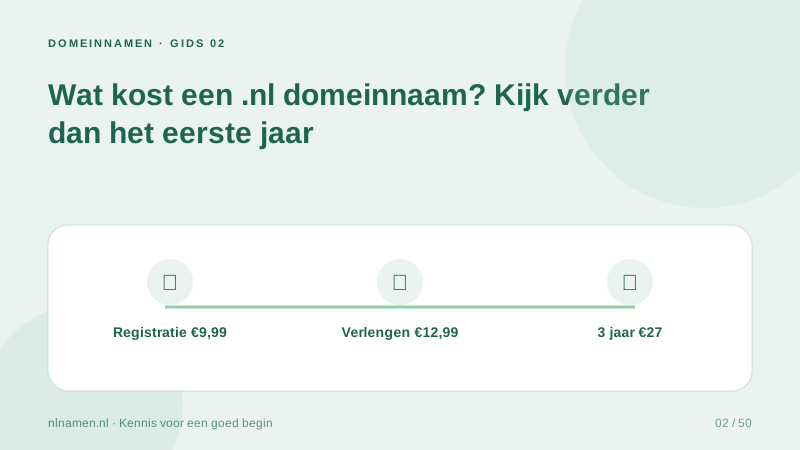
€9.99 for year one, €12.99 renewal or 3 years for €27. No hosting required.
Check your domain →