A registrar transfer changes who manages the registration. It does not automatically move website files or mailboxes. Plan each service separately.
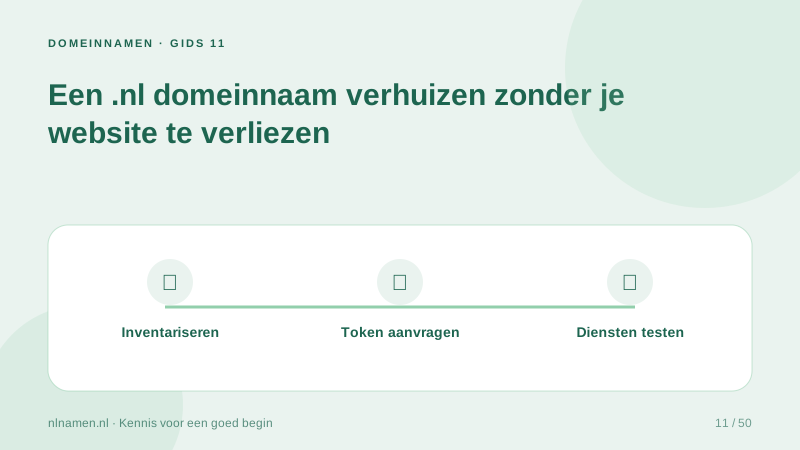
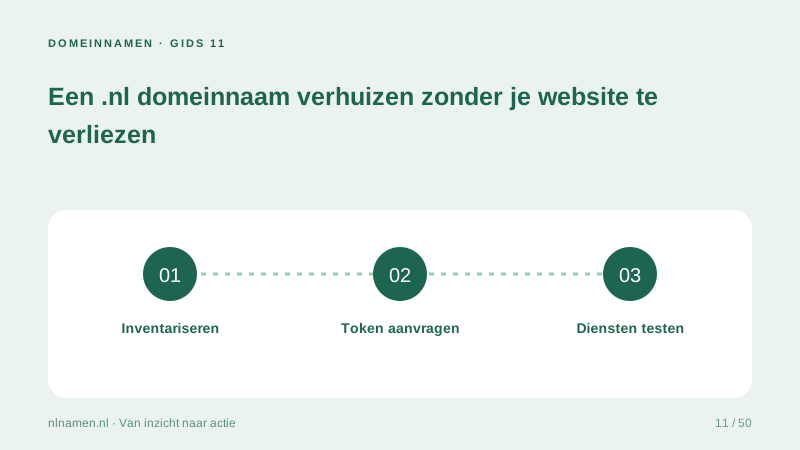
Inventory the current setup
Record nameservers, DNS records and website and email providers. Verify the holder and contact email. Check cancellation terms separately: moving the domain may not end a bundled subscription.
Preserve working DNS where possible
If existing DNS remains available, retain it during the transfer. If it will stop, prepare the new zone first, including mail authentication and subdomains, rather than copying only the website A record.
Verify after transfer
Test the website, www and mail in both directions. Verify nameservers and contacts. Share transfer tokens only with the receiving provider. Our transfer service is being prepared separately; the current new-registration checkout cannot transfer a taken domain.
Your practical checklist
- Export the DNS zone.
- Verify holder and contact email.
- Obtain the token securely.
- Test website and mail afterwards.
Changing the registrar need not move the website if the same working nameservers remain available.
Sources and further reading
Registration rules and provider functions can change. Check the current requirements for your domain before ordering or changing services.
Ready for your own .nl?
€9.99 for year one, €12.99 renewal or 3 years for €27. No hosting required.
Check your domain →