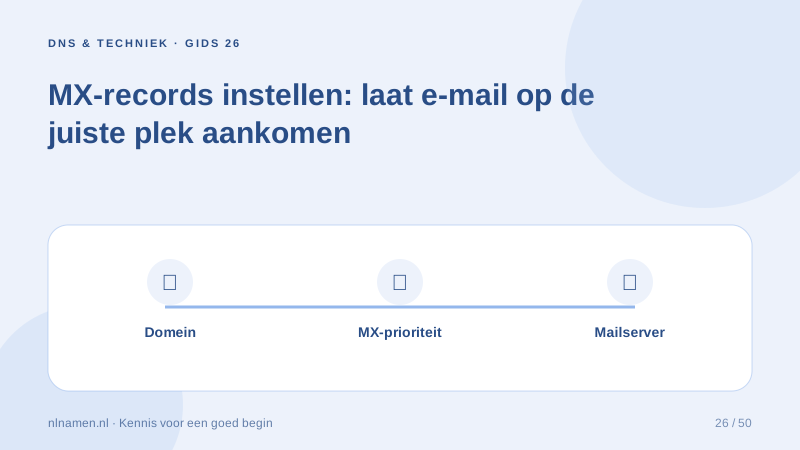
MX records tell sending servers where to deliver incoming mail. They do not create mailboxes; the provider must activate the domain and address.
Follow the complete provider instructions
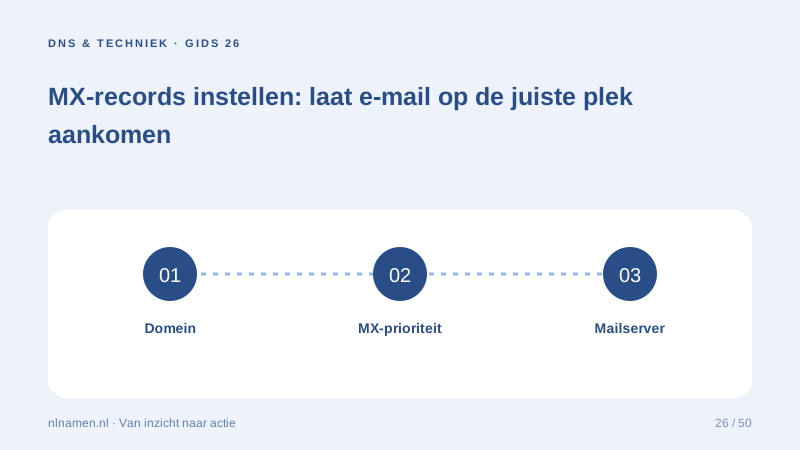
Copy the complete MX set and its priorities. Lower numbers have preference. Use the requested mail hostname, not an IP address or website URL.
Avoid mixing providers accidentally
Publishing old and new providers together is not automatically safe. Coordinate mailbox activation, cutover and message migration, and preserve previous settings for rollback.
Authenticate outgoing mail separately
MX handles incoming delivery. SPF, DKIM and DMARC address sender authentication separately. Test both incoming and outgoing messages after the change.
Your practical checklist
- Activate the domain at the provider.
- Copy the full MX set.
- Check priorities.
- Test both mail directions and authentication.
You may be able to sign into a mailbox while incorrect MX records prevent external mail from arriving.
Sources and further reading
Registration rules and provider functions can change. Check the current requirements for your domain before ordering or changing services.
Ready for your own .nl?
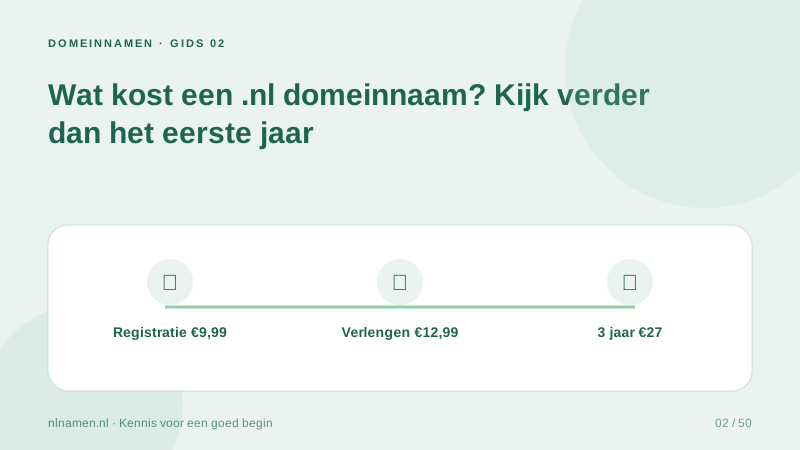
€9.99 for year one, €12.99 renewal or 3 years for €27. No hosting required.
Check your domain →