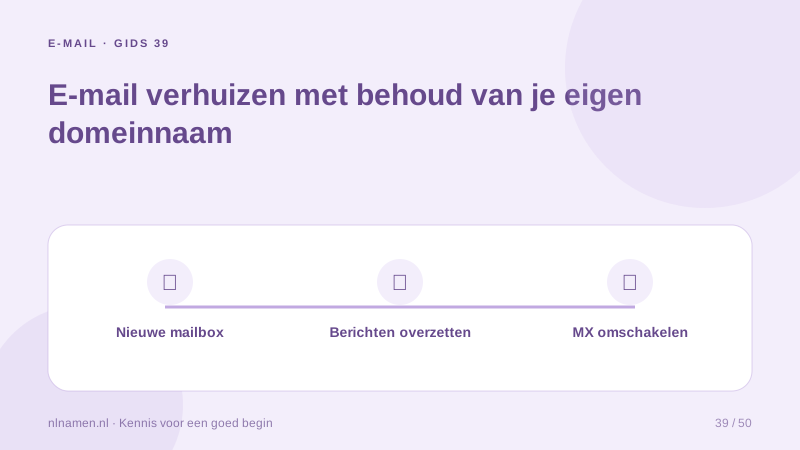
You can change email providers while keeping the domain and address. The migration includes messages, client settings and authentication, not just MX records.
Prepare the new mailboxes first
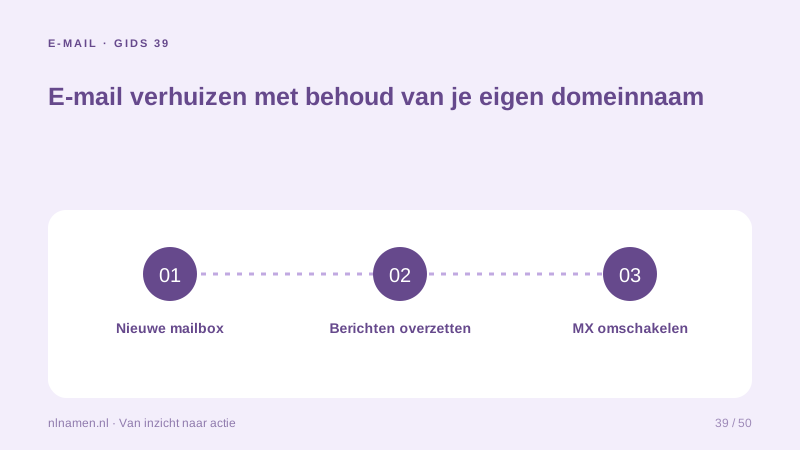
Activate the domain and mailboxes at the new provider. Compare capacity, protocols and migration support, and recreate supported aliases or shared arrangements deliberately.
Move content and then delivery
Back up messages, choose a migration method and retain old access during the transition. Update MX and authentication only when the new service is ready, and plan a final message sync if needed.
Test devices and external senders
Update client settings and test receiving, sending, replies, forms and invoicing systems. A successful webmail login does not verify the whole business workflow.
Your practical checklist
- Create mailboxes first.
- Keep independent backups.
- Plan MX and authentication together.
- Test devices and services.
info@ can remain unchanged while mail clients switch servers; the registrar need not change.
Sources and further reading
Registration rules and provider functions can change. Check the current requirements for your domain before ordering or changing services.
Ready for your own .nl?
€9.99 for year one, €12.99 renewal or 3 years for €27. No hosting required.
Check your domain →