WordPress may mean software on a hosting account or a site at WordPress.com. Those situations do not share identical connection instructions. Identify where the website actually runs. The domain can remain at nlnamen.nl while the external website provider supplies the required DNS settings.
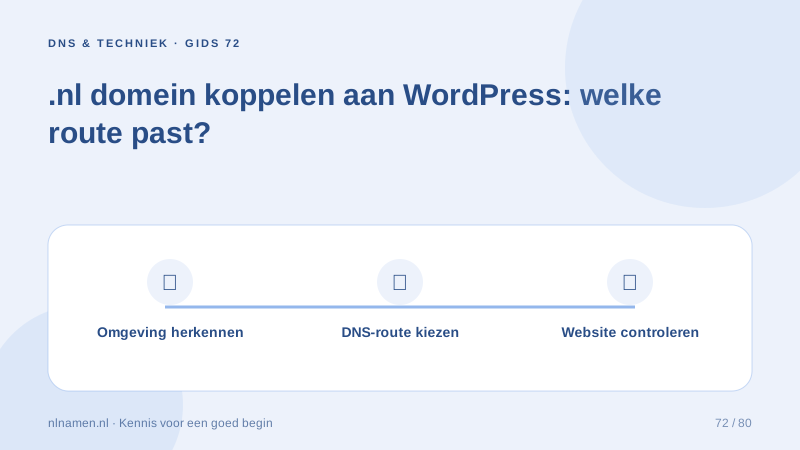
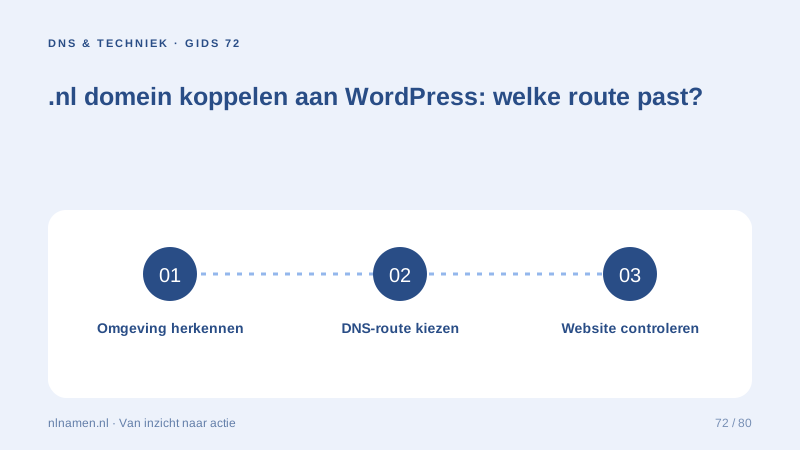
Identify the WordPress environment
Check your website invoice or dashboard. A self-hosted installation uses its host’s connection settings. WordPress.com connects an existing domain through domain management and requires an eligible paid plan. Our domain registration does not include WordPress installation or website hosting; arrange that separately.
Connect your domain to an external website provider →
Choose records or nameservers deliberately
WordPress.com offers nameserver and record-based connection routes. Record-based setup can preserve an existing DNS provider for mail and other services. A nameserver change requires the complete necessary zone at the new provider. Follow one coherent set of instructions rather than mixing routes.
Review application settings too
Pointing a domain at a server may not finish the setup. Have the administrator check the WordPress site address and HTTPS. Moving an existing site to a different domain also affects internal links, images and old URLs. Back up a working installation before making those application changes.
Change nameservers: prepare the DNS zone first →
Test pages, forms and email
Test an article, image, form and mobile navigation as well as the homepage. Confirm contact-form delivery and separately test domain email both ways. A working website does not prove MX records are correct. Document who supports DNS, WordPress maintenance, hosting and mail for future troubleshooting.
Your practical checklist
- Identify WordPress.com or self-hosting first.
- Choose one appropriate connection route.
- Check site address, HTTPS and old links.
- Test forms and domain email separately.
A consultant with self-hosted WordPress initially finds WordPress.com nameservers. The actual host confirms the correct web records. Following that provider’s route avoids moving DNS to the wrong platform and preserves mail.
Common questions
Does my domain include WordPress hosting?
No. nlnamen.nl provides domain registration and DNS; choose website hosting separately. The external platform determines connection settings and any plan requirements.
Sources and further reading
Registration rules and provider functions can change. Check the current requirements for your domain before ordering or changing services.
Ready for your own .nl?
€9.99 for year one, €12.99 renewal or 3 years for €27. No hosting required.
Check your domain →