Your domain and website can use different providers. Connect them through supported DNS records or nameservers, considering existing services.
Choose records or nameservers
Individual record changes keep the current DNS provider. A nameserver move changes the entire zone’s provider, so preserve mail and verification data too. Pick the method that fits the platform and your setup.
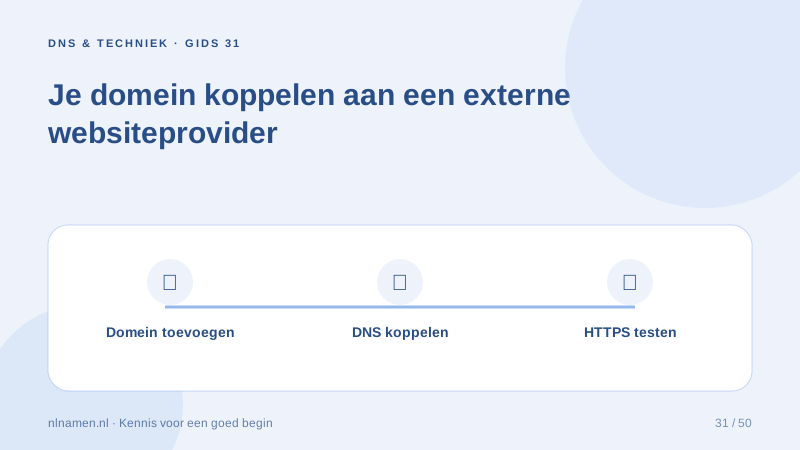
Add the domain in the website platform
The platform must associate the hostname with your website. Add root and www as required, complete ownership verification and confirm HTTPS certificate provisioning.
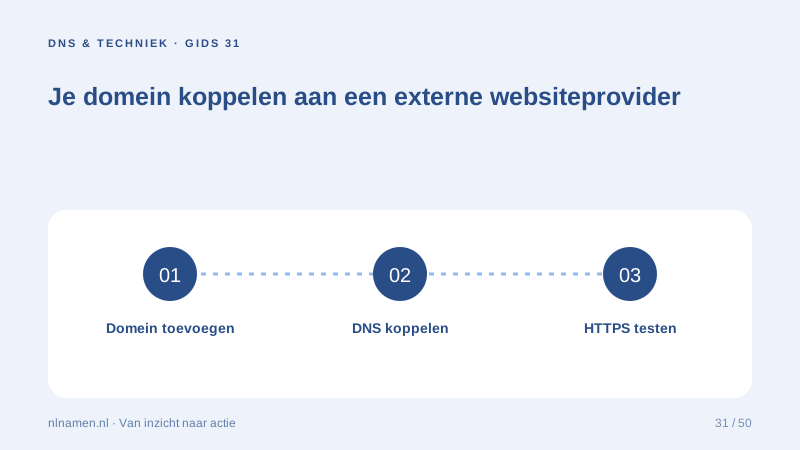
Test the visitor journey
Test root, www, HTTPS and an existing deep URL. Set a preferred version and redirects through the platform. Verify email after any DNS-related change.
Your practical checklist
- Read exact platform instructions.
- Preserve mail records.
- Activate the domain in the platform.
- Test root, www and HTTPS.
Keep the domain here and set the web records requested by an external portfolio builder.
Sources and further reading
Registration rules and provider functions can change. Check the current requirements for your domain before ordering or changing services.
Ready for your own .nl?
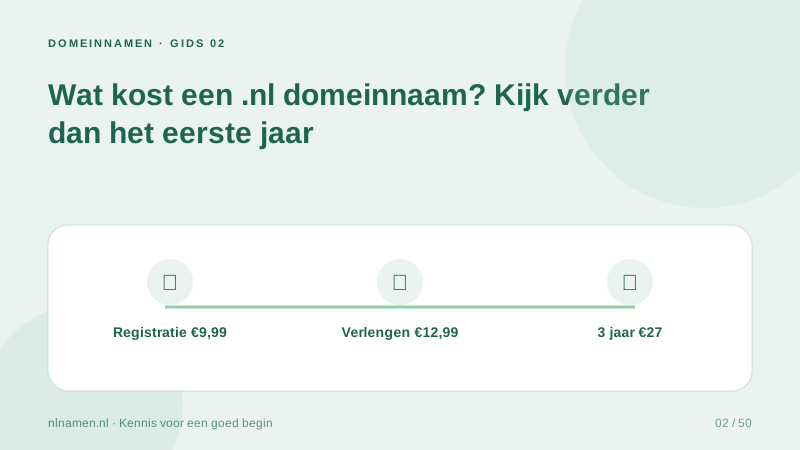
€9.99 for year one, €12.99 renewal or 3 years for €27. No hosting required.
Check your domain →