A Wix website can use a domain registered elsewhere. The connection choice also determines where DNS is managed, which matters when mail, verification records or other services already exist. Inventory those dependencies before accepting a connection route.
Prepare the website and domain
Check that the Wix site has an eligible paid plan for a custom domain. Add the existing domain to the correct site and choose connection if keeping its registration elsewhere. Save active nameservers and required records, and confirm access to both Wix and the domain/DNS account.
Change nameservers: prepare the DNS zone first →
Understand the two connection routes
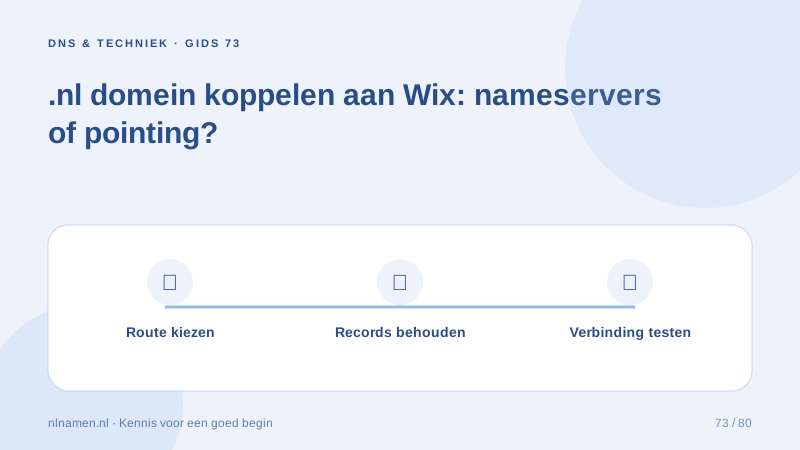
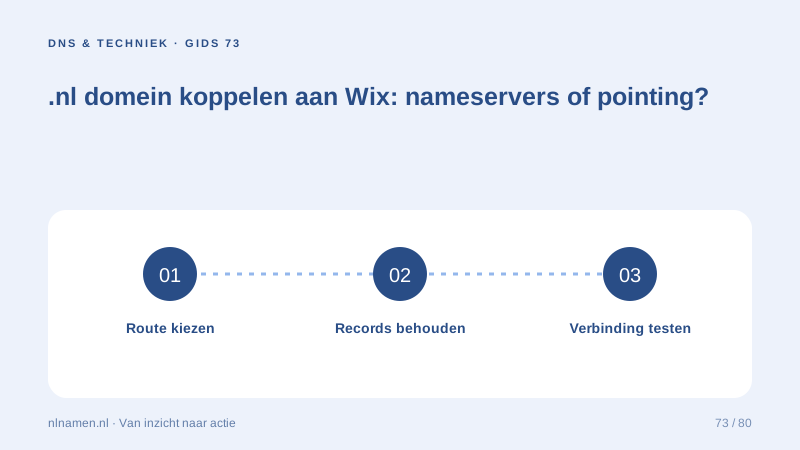
A nameserver route moves active DNS management to the designated provider. Pointing retains existing DNS management and updates website records. Wix supplies instructions for the chosen route. Decide based on where mail and other records will be managed, not merely the fewest clicks.
Review platform constraints and existing mail
Review Wix’s current requirements, including any DNSSEC or proxy restrictions for the selected method. Avoid speculative security changes to hide errors. Preserve MX, SPF, DKIM and verification records. A nameserver move requires those services to work in the new zone before relying on it.
Set MX records: route incoming email correctly →
Test beyond the connection indicator
Test root, www, HTTPS, important pages and forms. Send mail externally and receive a reply. Keep the change time and previous values for troubleshooting. DNS caches take time, but editing the wrong active zone will not fix itself through waiting. Verify the setup before changing it again.
Your practical checklist
- Check the eligible Wix plan and correct site.
- Choose nameservers or pointing deliberately.
- Preserve mail and review platform restrictions.
- Test website, forms and external mail.
A practice uses Wix with an existing business mailbox. It evaluates pointing to retain its active DNS zone, then tests both website connection and mailbox operation rather than treating a live homepage as the entire handover.
Common questions
Can my domain stay at nlnamen.nl when connecting Wix?
Yes. Connection does not automatically require a registrar transfer. DNS management depends on whether you choose nameservers or pointing.
Sources and further reading
Registration rules and provider functions can change. Check the current requirements for your domain before ordering or changing services.
Ready for your own .nl?
€9.99 for year one, €12.99 renewal or 3 years for €27. No hosting required.
Check your domain →