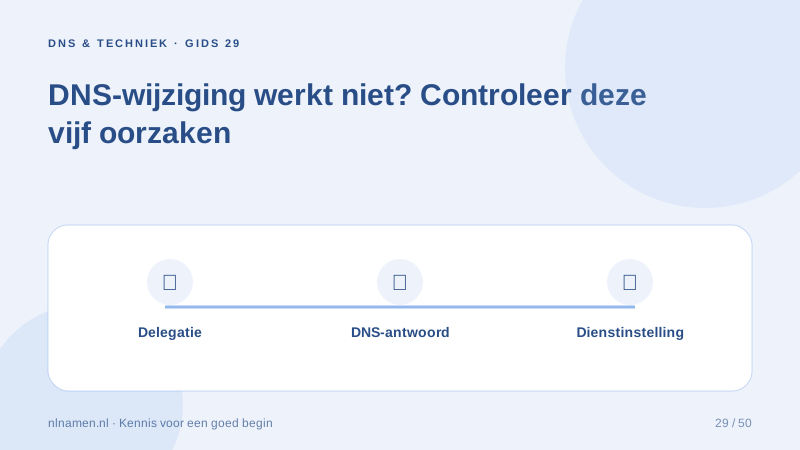
Diagnose before repeatedly changing values. Record the expected outcome, changed records and time of the change.
Check where you are editing
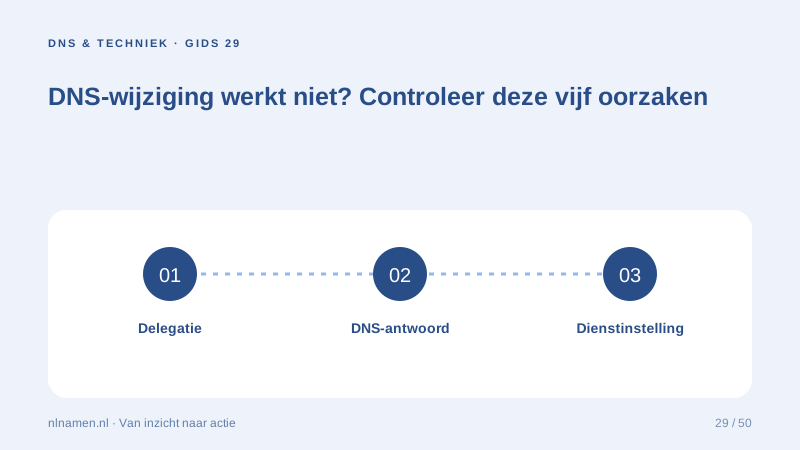
Confirm the active nameservers match the panel you are editing. Then check the exact hostname: www and the root differ, and a duplicated suffix can place the record elsewhere.
Compare record types and caches
Check A, AAAA and CNAME records. Compare authoritative and recursive answers to distinguish wrong source data from a cache that has not expired.
Look beyond DNS
The server must recognise the domain and provide a valid certificate. Mail also requires active mailboxes and authentication. Give support precise errors while keeping tokens and credentials private.
Your practical checklist
- Check active nameservers.
- Compare exact hostnames.
- Review A, AAAA and CNAME.
- Compare source answers with caches.
- Check the connected service.
If only www works, the root may be missing from DNS or the platform’s domain settings.
Sources and further reading
Registration rules and provider functions can change. Check the current requirements for your domain before ordering or changing services.
Ready for your own .nl?
€9.99 for year one, €12.99 renewal or 3 years for €27. No hosting required.
Check your domain →