A Shopify store can use a domain that remains registered at nlnamen.nl. Connecting directs the website to the store platform without automatically changing registrar. First establish access to the active DNS zone and preserve existing email settings.
Record the existing setup
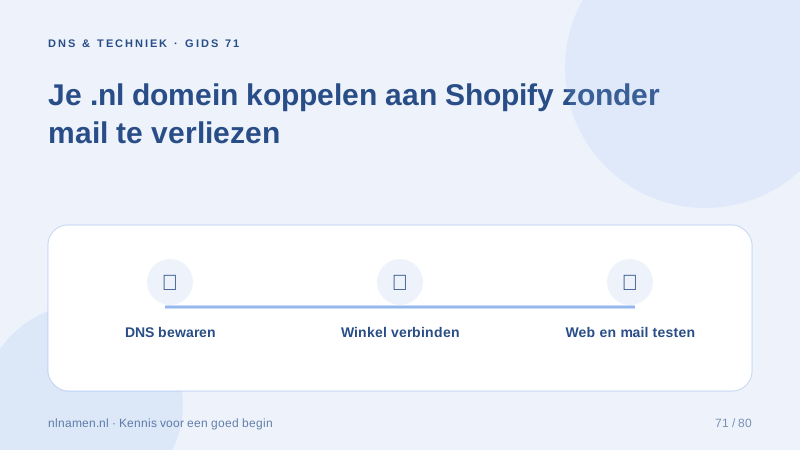
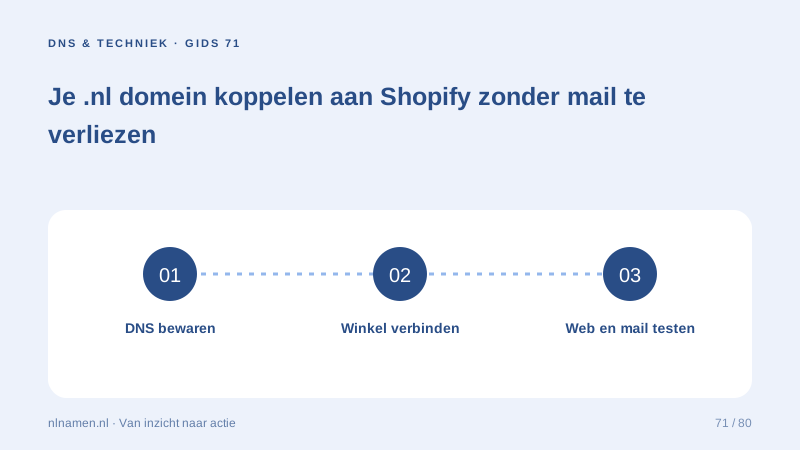
Save nameservers and current web, MX and TXT records. Identify the mail provider and verification or signing records. Edit the zone actually used by the active nameservers, not an abandoned zone. For an existing shop, agree a change window and preserve the previous setup for troubleshooting.
Choose and connect a domain for your online shop →
Use Shopify’s current instructions
In Shopify’s domain settings, choose the existing-domain connection route. Apply the current A, AAAA and www CNAME instructions to the active DNS zone, avoiding conflicting web records. Reachable external DNS can remain in place. Save the changes and review Shopify’s connection status.
Preserve the separate mail route
Do not replace all records simply because the website is moving. MX controls mail reception; SPF and DKIM support sending. A website connection does not inherently require new mailboxes. Before any nameserver move, prepare all services in the new zone and test mail in both directions.
Set MX records: route incoming email correctly →
Test the complete customer journey
Check root and www on mobile and desktop, including HTTPS, a product, basket and contact page without placing an unnecessary real order. Verify primary-address links and recognisable transactional senders. DNS caches and certificate processing take time; avoid repeatedly making speculative changes while waiting.
Your practical checklist
- Save active DNS and mail details.
- Use the store’s current connection instructions.
- Change only required records.
- Test the store, HTTPS and mail separately.
A retailer uses Shopify and a separate mail service. He updates web records in the active ClouDNS zone, preserves mail records and tests both product access and external mail. The registrar does not need to change.
Common questions
Must I transfer my .nl to Shopify?
No. Connecting and transferring are different actions. You can retain your registrar and connect the store through the required DNS records.
Sources and further reading
Registration rules and provider functions can change. Check the current requirements for your domain before ordering or changing services.
Ready for your own .nl?
€9.99 for year one, €12.99 renewal or 3 years for €27. No hosting required.
Check your domain →