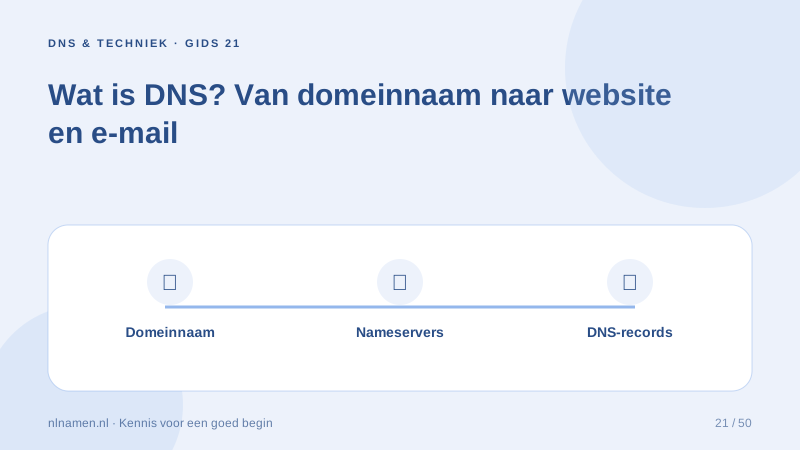
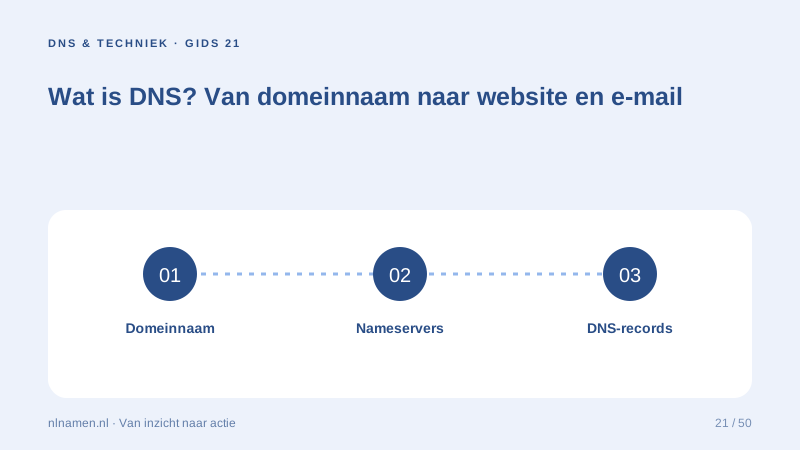
DNS connects domain names with technical information for websites, mail delivery and service verification. Learn the main parts before making changes.
The zone contains your settings
A DNS zone holds records with distinct roles. A records can point to web servers, MX records route incoming mail and TXT records support verification or mail security. Export the zone before changes.
Nameservers identify the authoritative provider
The registration delegates to authoritative nameservers. If they change, the complete working zone must exist at the new provider. Editing records at an old, inactive DNS provider has no effect.
Caching creates temporary differences
Resolvers cache answers, so changes do not appear everywhere simultaneously. Compare authoritative answers with resolver results. Waiting will not repair an incorrect record at the source.
Your practical checklist
- Identify active nameservers.
- Export the zone first.
- Change only relevant records.
- Test website and mail separately.
One domain can use an A record for a website and MX records for a separate mail provider.
Sources and further reading
Registration rules and provider functions can change. Check the current requirements for your domain before ordering or changing services.
Ready for your own .nl?
€9.99 for year one, €12.99 renewal or 3 years for €27. No hosting required.
Check your domain →