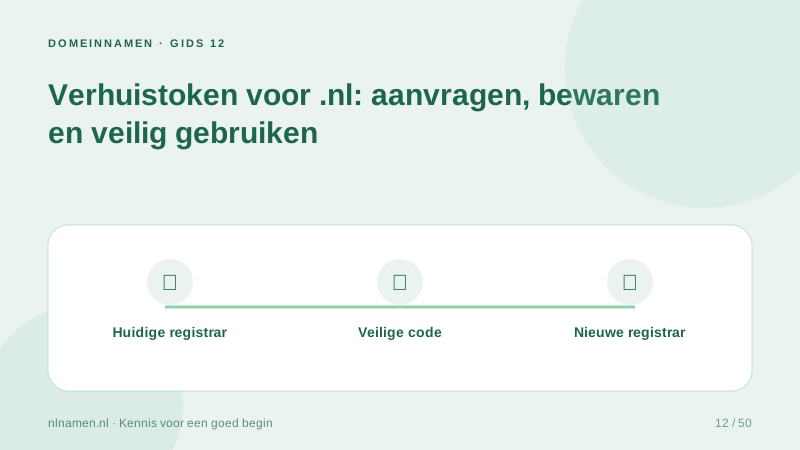
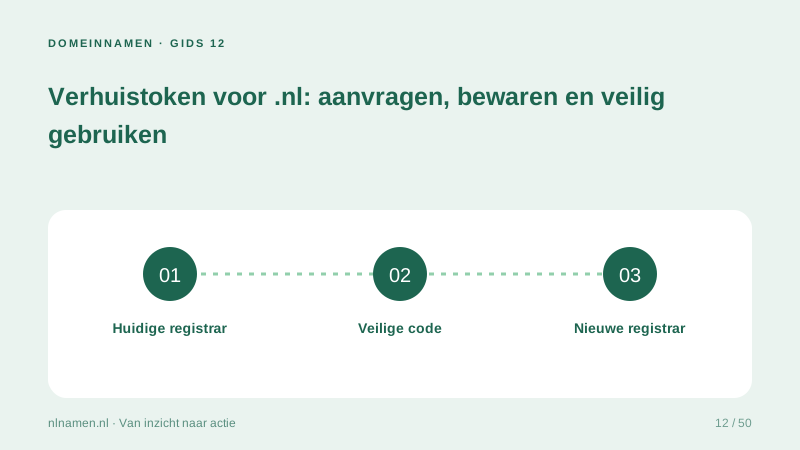
A transfer token authorises the receiving registrar to request a .nl transfer. It is separate from your website password and should be handled as sensitive access information.
Request it from the current registrar
Request the token through the current registrar’s official account or support channel. Hosting may be elsewhere. Establish the registered holder and your authority before requesting access.
Share it only for the intended transfer
Do not expose the token in public documents, forums or screenshots. Verify the receiving provider’s address. Treat an unexpected token request cautiously and store unused codes securely.
If you cannot obtain the token
SIDN explains the request process and escalation route. Keep your request record and ask the receiving registrar for help. A holder dispute differs from a missing token, and a transfer code does not automatically change ownership.
Your practical checklist
- Use official channels.
- Keep it out of public documents.
- Share only with the receiving registrar.
- Verify the registered holder.
An agency should deliver the transfer token securely to the authorised client, not on a public handover page.
Sources and further reading
Registration rules and provider functions can change. Check the current requirements for your domain before ordering or changing services.
Ready for your own .nl?
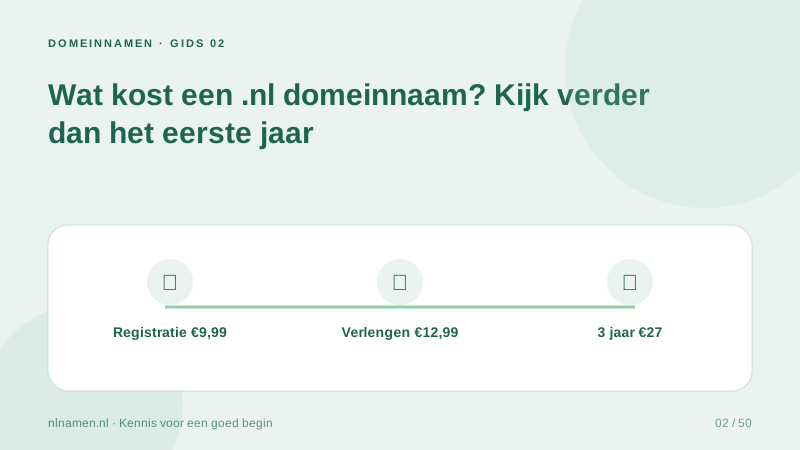
€9.99 for year one, €12.99 renewal or 3 years for €27. No hosting required.
Check your domain →