TTL describes how long a DNS answer may normally be cached. It balances caching efficiency against how quickly changes can be fetched.
The unit is usually seconds
3600 seconds is one hour and 300 is five minutes. This controls DNS caching, not how often visitors reload a website.
Lower it before the planned change
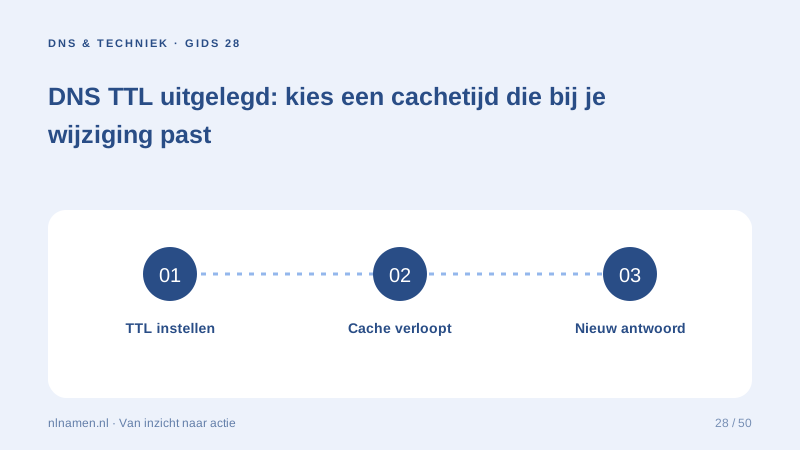
Resolvers can retain the previous answer until its original TTL expires. Lower TTL in advance, perform the change, verify it and consider restoring a longer value after stabilisation.
TTL does not repair configuration errors
A shorter TTL merely refreshes an incorrect authoritative answer more often. Verify values and delegation first. Different cache layers mean there is no universal minute-by-minute propagation guarantee.
Your practical checklist
- Check the panel’s units.
- Lower ahead of migration.
- Verify authoritative values.
- Review TTL after stabilisation.
Changing TTL from 86400 to 300 does not remotely clear previously cached answers.
Sources and further reading
Registration rules and provider functions can change. Check the current requirements for your domain before ordering or changing services.
Ready for your own .nl?
€9.99 for year one, €12.99 renewal or 3 years for €27. No hosting required.
Check your domain →