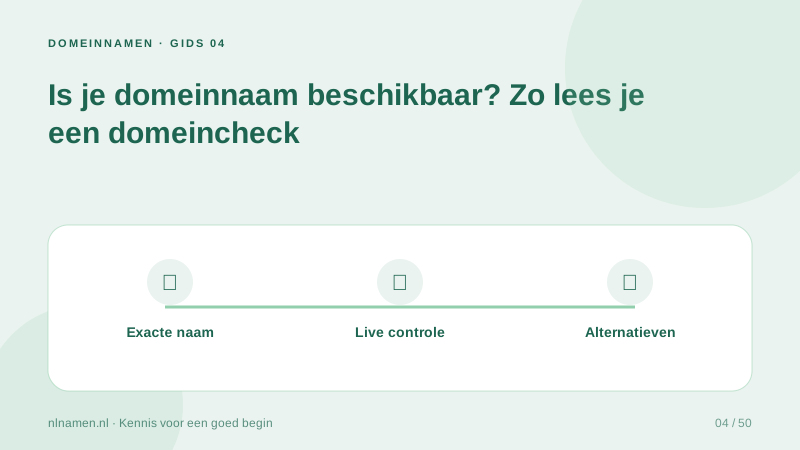
A domain check asks whether a name can currently be registered. An empty website or an error page does not mean the domain itself is available.
Read the status literally
Available means the registrar reports a free name. Registered means an existing registration holds it. Unknown means there is no reliable confirmation. Never interpret an unknown result as free. Premium names can require separate pricing.
Why the exact result comes first
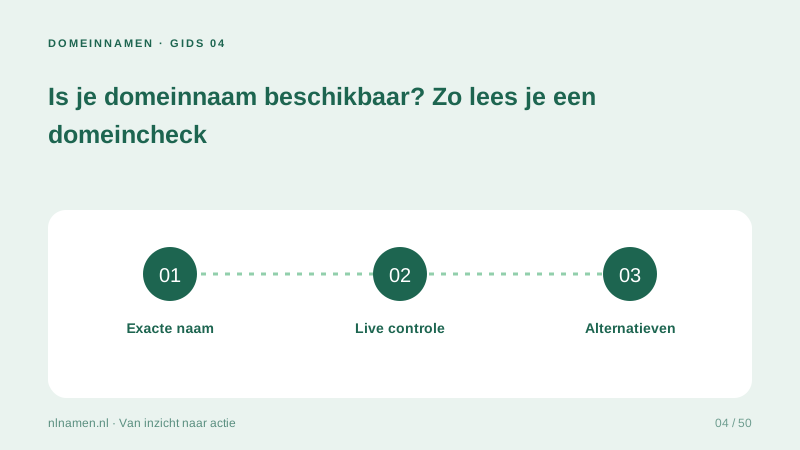
We check the exact domain first and start with .nl if no extension is supplied. Alternative extensions load afterwards. Naming ideas need their own availability check; AI suggestions are not availability results.
What to do when the name is taken
Check spelling, then consider a distinctive brand variation or appropriate extension. Avoid confusing similarity. Buying an existing domain requires agreement with its holder and a proper transfer; a standard registration price does not buy a taken name.
Your practical checklist
- Verify exact spelling.
- Do not confuse an empty site with availability.
- Check suggestions individually.
- Wait for registration before announcing the name.
The exact result for merknaam.nl appears first, then .com and .net load. Adding any of them to a cart does not reserve the name.
Sources and further reading
Registration rules and provider functions can change. Check the current requirements for your domain before ordering or changing services.
Ready for your own .nl?
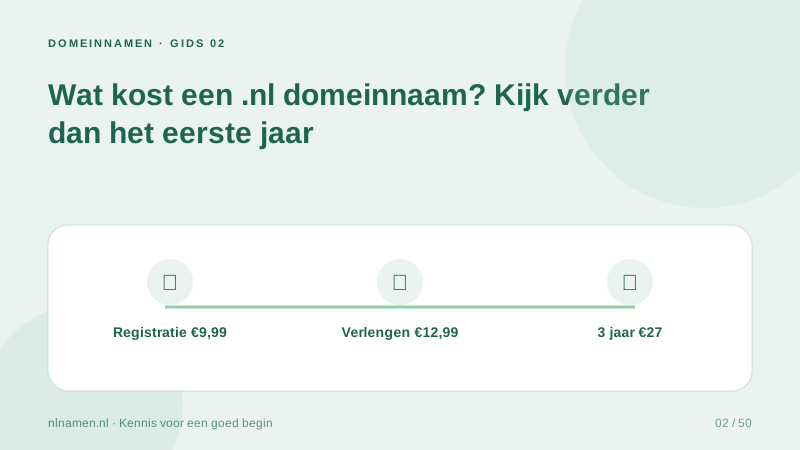
€9.99 for year one, €12.99 renewal or 3 years for €27. No hosting required.
Check your domain →