If your .nl domain and Squarespace website are at different providers, plan the connection around the services you want to change. Record where DNS and email are managed, decide which website address visitors should use and keep the registration separate from the website connection.
Write down what must keep working
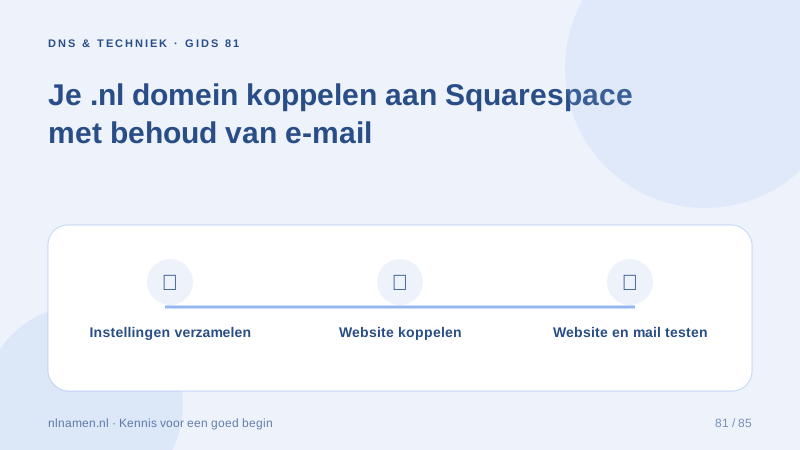
Before editing, record the nameservers, website addresses with and without www, and current mail provider. Save the zone and label records by purpose. An unfamiliar TXT record may belong to another service. Choose a quiet launch window and identify who can restore the previous setup.
Understand the registrar, DNS and website roles →
Start the connection inside Squarespace
In the correct Squarespace site, begin connecting the domain you already own. Use the DNS values displayed for that site. A manual connection includes website routing and verification records. Keep those account-specific values alongside your plan rather than copying an example verification code or an old address from a tutorial.
Edit the active zone and preserve email
Check the delegated nameservers before making changes. With custom nameservers at nlnamen.nl, edit records at the active DNS provider. Change the website connection while preserving the mail provider’s MX and authentication records. Keep the existing mailbox subscription running throughout the website launch.
Read how MX records route email →
Test in a repeatable order
Check the records in Squarespace, then test the main address, www, HTTPS and important pages. Separately test incoming and outgoing mail using another address. Record each result. A working homepage does not prove that email works; a short test log makes later troubleshooting easier.
Use waiting time to check the right details
If connection remains pending, compare the requested record names, types and values and confirm that the zone is active. Squarespace generally allows 24–48 hours for a new connection. If it still fails, provide support with the domain, error and change time, keeping account passwords private.
Your practical checklist
- Back up DNS and record the mail provider.
- Copy records from your own Squarespace site.
- Edit the zone at the active nameservers.
- Keep mail records and test email separately.
- Check www, the main address and HTTPS.
A consultancy rebuilds its website while keeping its existing business mailbox. Its change list marks website and verification records for editing and mail records for retention. After publishing, a colleague checks both website addresses and receives and replies to a test message.
Common questions
Must I transfer my .nl domain to Squarespace?
The DNS connection described here lets the domain remain with its registrar. You need access to its active DNS zone and a Squarespace site that can accept the connection.
Does nlnamen.nl sell my Squarespace subscription?
No. Arrange the website subscription separately with Squarespace. Domain registration and any optional email service at nlnamen.nl are separate products.
Sources and further reading
- Squarespace: connect a third-party domain
- Squarespace: troubleshoot domain connections
- Cloudflare: DNS records
Registration rules and provider functions can change. Check the current requirements for your domain before ordering or changing services.
Ready for your own .nl?
€9.99 for year one, €12.99 renewal or 3 years for €27. No hosting required.
Check your domain →