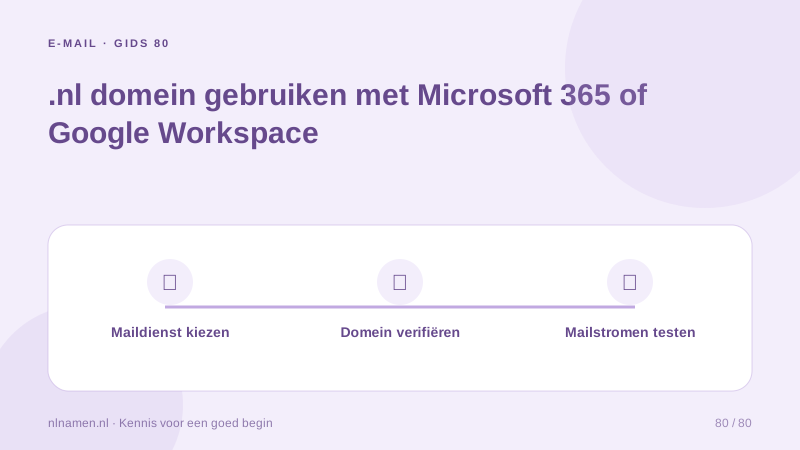
A domain registered at nlnamen.nl can use Microsoft 365 or Google Workspace for business email. Registration and the mail subscription are separate services. Choose the intended mailbox provider first rather than adding our mailbox automatically when external business mail is the actual requirement.
Prepare the external account and users
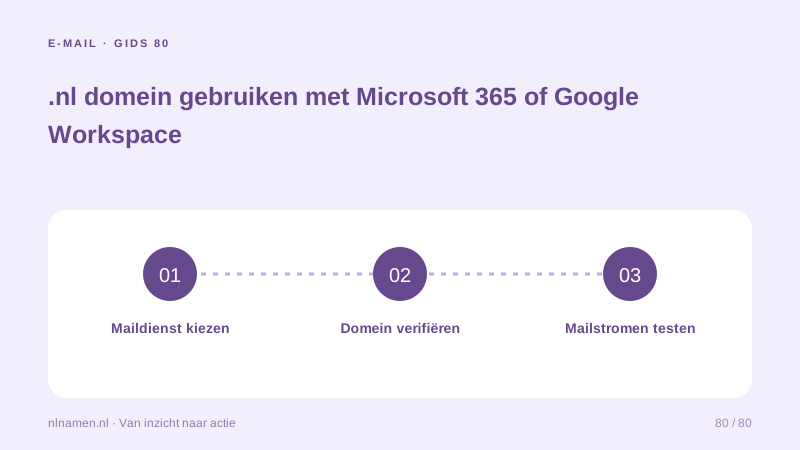
Obtain an appropriate subscription and administrator access from the selected service, separately from our domain registration. Define users, addresses and team features. Prepare mailboxes before switching traffic and plan migration of old messages, contacts and devices; DNS does not copy that data.
Set MX records: route incoming email correctly →
Verify the domain using your admin instructions
Add the domain in the administrator console and use its verification value, commonly a TXT record. Add it to active DNS without removing unrelated verifications. Do not use example tokens. Verification proves control for the mail service; it neither changes registrar nor completes incoming mail routing.
Plan MX and sending authentication together
Use the current records supplied by Microsoft or Google. MX selects the receiving service; SPF, DKIM and DMARC support sender validation and policy. Do not mix unrelated providers’ MX records to attempt dual delivery or add a second independent SPF record. Review all authorised senders together.
Set SPF: one policy for authorised email senders →
Test the complete transition
Send externally, receive a reply and check devices and forms. Retain the previous service as required by the migration plan, cancelling duplicates only after reviewing data and terms. The domain still needs renewal at nlnamen.nl. Changing mail provider later requires another deliberate DNS and data transition.
Your practical checklist
- Choose the intended mailbox environment.
- Arrange users and licensing with the external service.
- Use account-specific verification and mail records.
- Test mail and avoid unnecessary duplicate subscriptions.
A consultancy already using Microsoft 365 registers a new .nl. It leaves our optional mailbox unselected, adds the domain to Microsoft and applies the supplied DNS instructions. Registration remains at nlnamen.nl while Microsoft manages email and users.
Common questions
Must my domain transfer to Microsoft or Google?
No. The mail connection requires an appropriate external account, domain verification and correct DNS records. Registration and renewals can remain at nlnamen.nl.
Sources and further reading
- Microsoft 365: DNS records at any DNS hosting provider
- Google Workspace: set up MX records
- Google: email sender guidelines
Registration rules and provider functions can change. Check the current requirements for your domain before ordering or changing services.
Ready for your own .nl?
€9.99 for year one, €12.99 renewal or 3 years for €27. No hosting required.
Check your domain →