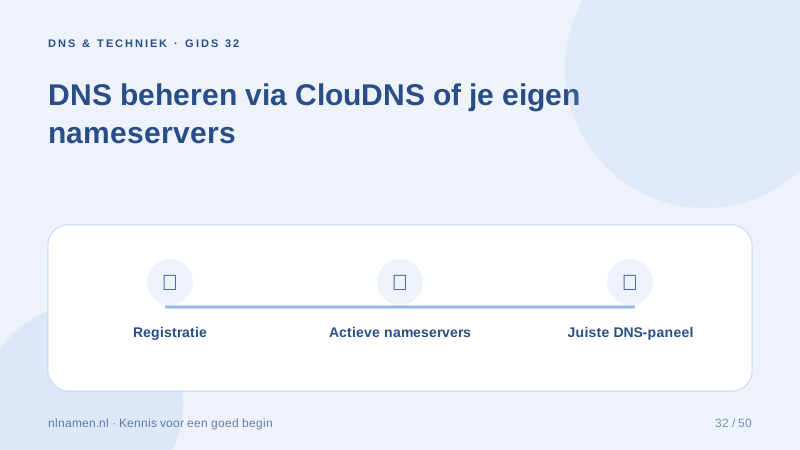
Our default nameservers use ClouDNS. You can choose custom nameservers, which changes where effective DNS edits must be made.
Manage the default zone in your account
Active domains on the configured standard nameservers expose supported DNS records in the account. Save previous values and understand service dependencies before adding or deleting records.
Custom nameservers mean external DNS management
With custom delegation, the chosen provider’s records are authoritative. Our account indicates that DNS management belongs there, while still allowing nameserver changes.
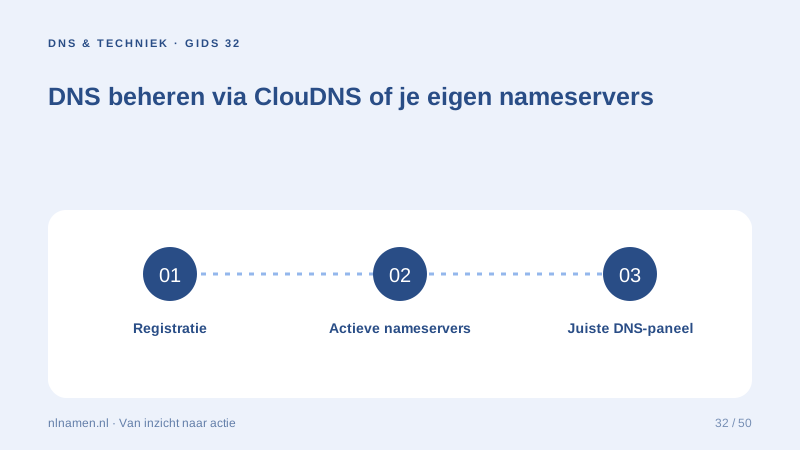
Keep a clear management plan
Record where registration, DNS, website and email are managed. These may be four different providers. Give support clear symptoms without sharing credentials or login links.
Your practical checklist
- Check active nameservers.
- Keep previous records.
- Edit at the authoritative provider.
- Document connected services.
With custom nameservers, edit website and mail records at that provider while registration remains here.
Sources and further reading
Registration rules and provider functions can change. Check the current requirements for your domain before ordering or changing services.
Ready for your own .nl?
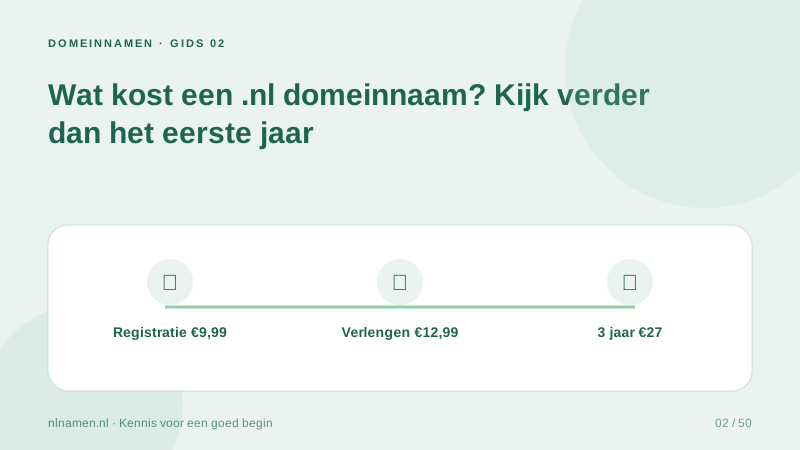
€9.99 for year one, €12.99 renewal or 3 years for €27. No hosting required.
Check your domain →