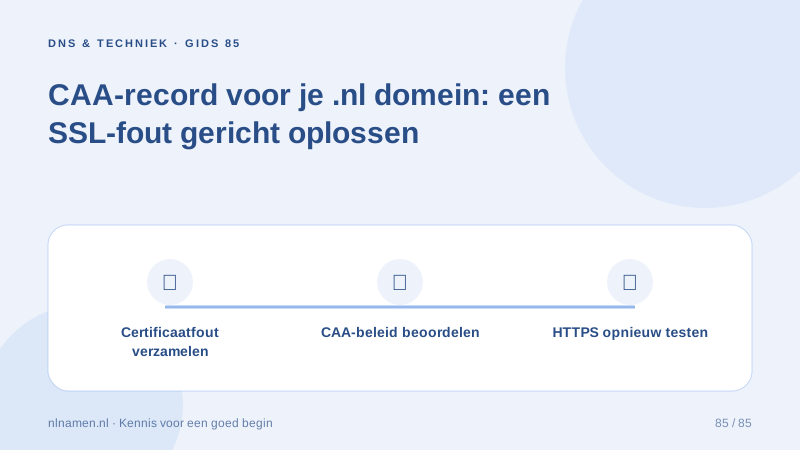
If a website provider reports that CAA prevents certificate issuance, start with the exact certificate request rather than adding unrelated records. List the requested names and ask which certificate authority the provider needs. That gives the DNS operator a clear request to investigate.
Understand what CAA controls
CAA lets a domain holder specify permitted certificate authorities. It neither publishes a website nor installs a certificate. Record website routing, whether a certificate was requested and the resulting error separately. Those checks give the provider and DNS operator a useful starting point.
Who manages your domain’s certificate? →
Ask the website provider for the required details
Ask which authority is required, which hostnames the certificate covers and whether a wildcard is involved. Do not copy another website’s policy as a universal setting. Keep the provider’s current instructions with the error or ticket so the DNS operator knows the intended authorisation.
Check the policy for the correct DNS name
CAA policy can exist at different levels of a domain. Checking only the root may miss a policy relevant to a requested subdomain. Have the operator check every requested name and explain existing records before replacing them. Keep unrelated DNS records outside this repair.
Make the change at the active DNS provider
With custom nameservers, the active DNS provider makes the change. For managed DNS, give support the provider instructions and exact error. Have the appropriate issue or issuewild policy and input format checked. SERVFAIL calls for DNS diagnosis rather than assuming a readable policy simply excludes an authority.
Investigate SERVFAIL and possible DNSSEC failure →
Check the new request and maintain the policy
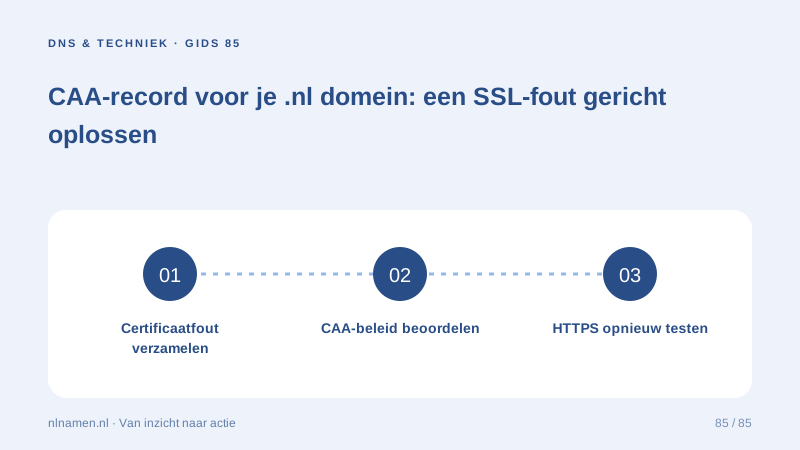
After the DNS change, have the provider retry issuance and confirm the result. Test HTTPS on every intended address. Document which policy belongs to which platform and review it during a website move. Keep the resolved error and successful checks available for future certificate maintenance.
Your practical checklist
- Keep the exact CAA error.
- Ask for the authority and requested hostnames.
- Check root, subdomains and the active zone.
- Have issue and issuewild requirements assessed.
- Verify new issuance and every HTTPS address.
A business changes website platform while keeping its domain and email. Its earlier CAA policy does not suit the new platform’s certificate service. The owner obtains the required authority, asks the DNS operator to assess the policy and tests the resulting HTTPS connection. Mail records remain outside this change.
Common questions
Does every .nl domain need a CAA record?
CAA restricts certificate issuance. Without such a restriction, authorities still perform their normal domain-control validation. Choose a policy that fits the website service.
Does a CAA record immediately fix an expired certificate?
No. A suitable policy can remove an issuance block, but the website provider must still issue and install a valid certificate. Check the actual HTTPS connection.
Sources and further reading
- Let’s Encrypt: CAA and common errors
- IETF RFC 8659: CAA syntax and processing
- Google Public DNS: domain troubleshooting
Registration rules and provider functions can change. Check the current requirements for your domain before ordering or changing services.
Ready for your own .nl?
€9.99 for year one, €12.99 renewal or 3 years for €27. No hosting required.
Check your domain →