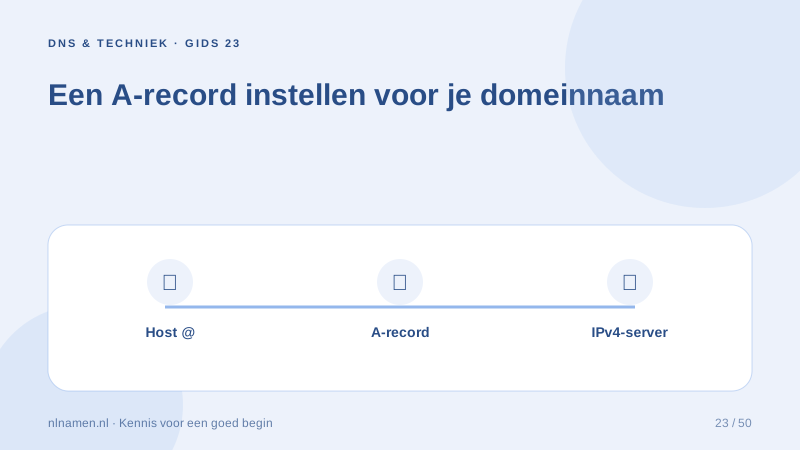
An A record maps a hostname to an IPv4 address. Use the specific address supplied by your website provider.
Choose the correct hostname
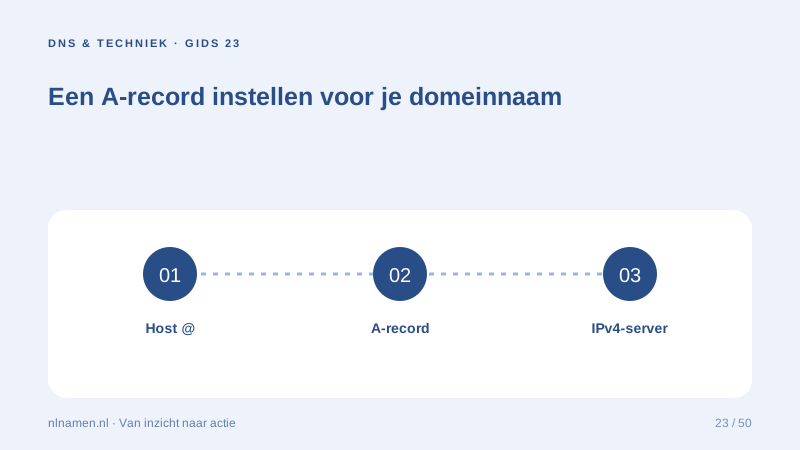
Panels often represent the root as @ or an empty field. www is separate. A platform may require an A record at the root and CNAME for www; follow its exact instructions.
Enter an IPv4 address, not a URL
Enter an IPv4 address, not a URL, port or path. 192.0.2.10 is a documentation example only. IPv6 addresses belong in AAAA records.
Review existing records
Preserve mail records when moving only the website. Check for an old AAAA record pointing elsewhere; IPv6-capable visitors may otherwise reach a different server.
Your practical checklist
- Use your provider’s IPv4 address.
- Configure root and www deliberately.
- Save the previous value.
- Check existing AAAA records.
@ A 192.0.2.10 is a documentation example; replace it with the actual provider address.
Sources and further reading
Registration rules and provider functions can change. Check the current requirements for your domain before ordering or changing services.
Ready for your own .nl?
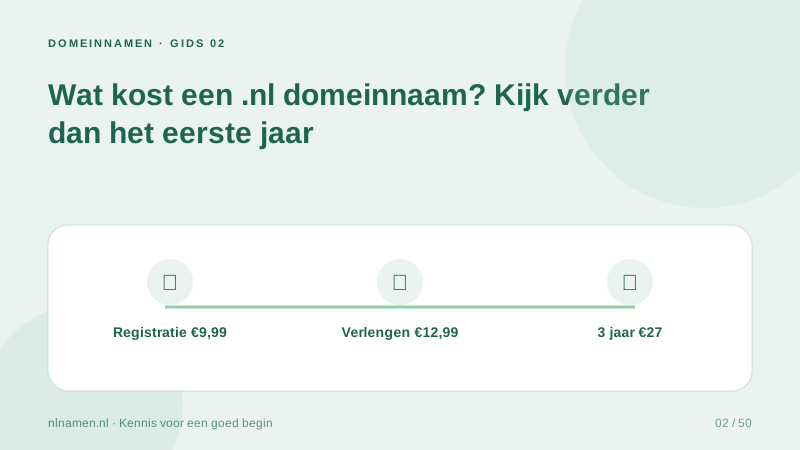
€9.99 for year one, €12.99 renewal or 3 years for €27. No hosting required.
Check your domain →