A warning that your domain disappears tomorrow creates pressure to act. That is when a fixed verification routine helps. Misleading offers can resemble invoices, and messages can lead to imitation login pages. Including your real domain name does not prove the sender is your registrar.
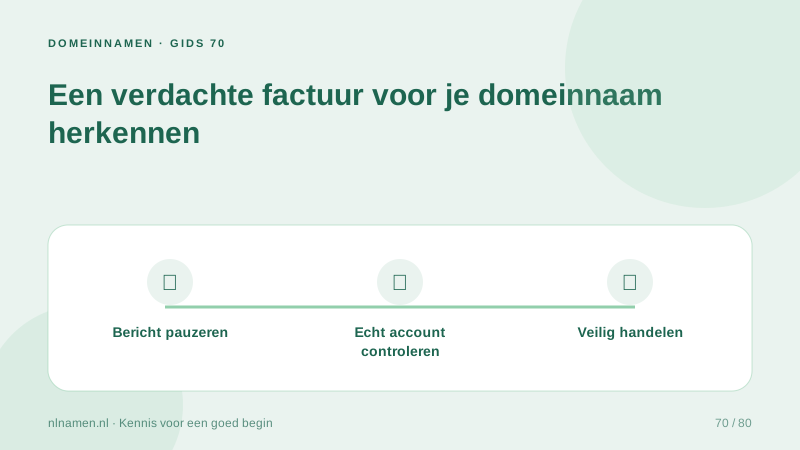
Visit your provider independently
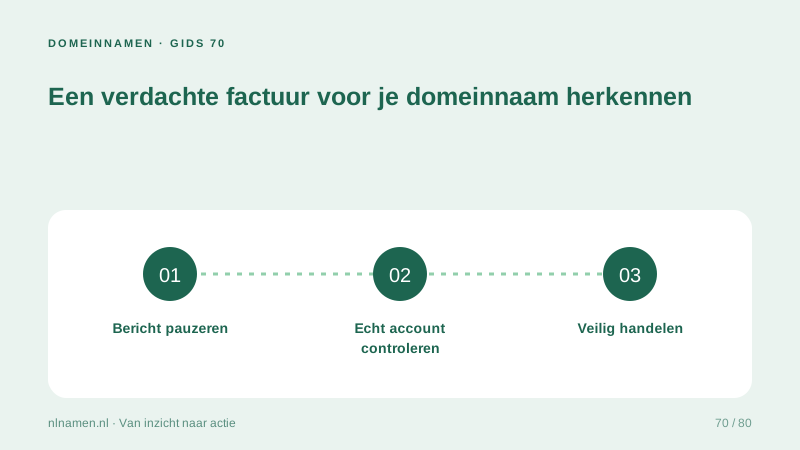
Type your known provider address or use a saved bookmark, then review invoices and notices there. Do not click the payment link merely to inspect its appearance. A browser padlock indicates an encrypted connection, not that the website represents the genuine supplier.
Forgot to renew your .nl domain: first steps →
Compare supplier, service and term
Check whether the charge concerns your registration or an optional listing, SEO service or other offer. Compare supplier, customer reference, amount and period with your records. Contact support using previously known details rather than the number provided in the suspicious message.
Protect access and payment details
Do not share passwords, transfer tokens or verification codes to validate an unfamiliar invoice. If you entered credentials on a suspicious page, change the affected password through the genuine service and review reuse elsewhere. Report suspected payment fraud promptly to your bank or payment provider and notify the registrar securely.
Renew your domain: avoid surprises near expiry →
Make renewal administration less vulnerable
Maintain a list of domains, registrars, renewal dates and responsible people. Require checks for unexpected urgent payments. Preserve suspicious messages without reopening links. SIDN has documented fake invoice patterns before; sender names and formats change, so rely on verification rather than recognition of one historical example.
Your practical checklist
- Open the registrar through a known address.
- Compare the service and charge with your records.
- Never share passwords, tokens or verification codes.
- Report abuse and secure any exposed access.
A treasurer receives an urgent high-value invoice naming the correct association domain. The genuine account shows no matching charge. She avoids the email payment route, checks with the provider and retains the message for investigation.
Common questions
Is a message trustworthy because it names my correct domain?
No. A domain name is public information. Verify the service and charge in your real account and seek confirmation through a known support route if needed.
Sources and further reading
Registration rules and provider functions can change. Check the current requirements for your domain before ordering or changing services.
Ready for your own .nl?
€9.99 for year one, €12.99 renewal or 3 years for €27. No hosting required.
Check your domain →