Google Search Console helps you understand how Google discovers and processes your website. It is not an advertising service and registration does not guarantee rankings. A domain property can be useful for .nl: verify control through DNS, then investigate the related site data.
Choose the right account and property type
Use an account the website owner can retain. Enter the bare domain for a domain property rather than an HTTPS URL or page path. Agree who needs access and their roles. Having a temporary supplier’s personal account as the sole owner can complicate handovers.
Add a TXT record for domain verification →
Add verification to the active DNS zone
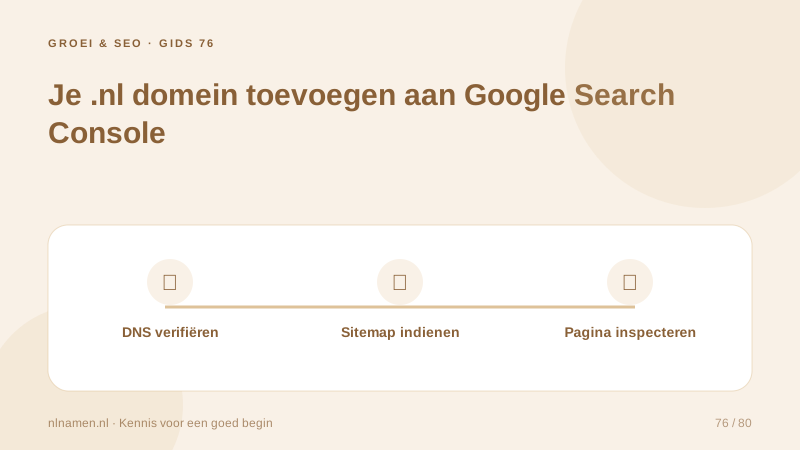
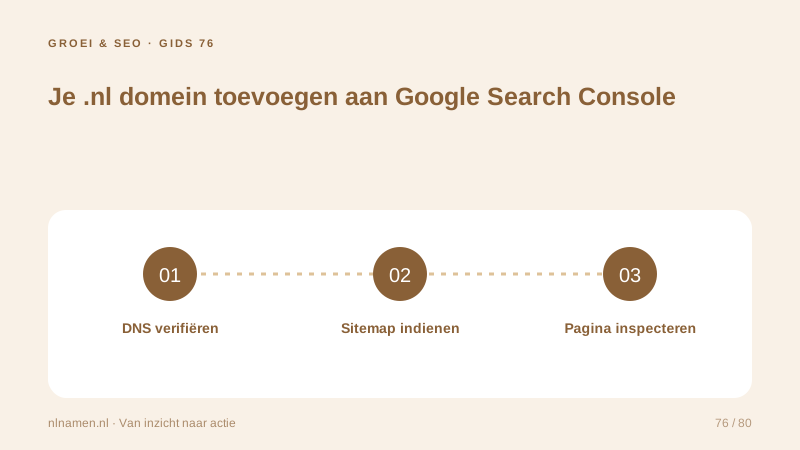
Add Google’s exact TXT value at the root in the active DNS zone. Preserve existing TXT records such as SPF and other verifications. Verify through Search Console after saving, and retain the record after success because ownership may be checked again. Grant access through roles rather than sharing passwords.
Submit the right sitemap
Open the sitemap URL first and check its intended public pages. Submit it under Sitemaps. Include final canonical URLs rather than baskets, accounts or search results. Our public sitemap is /sitemap.xml. Successful processing means Google can read the file, not that every listed page is indexed.
New .nl website missing from Google: what to check →
Use inspection for targeted checks
Inspect the homepage and an important content page. Compare stored index status with a live test and investigate exclusions. Request indexing when useful, then monitor real queries, impressions and clicks. A new website will not immediately have a meaningful history of performance data.
Your practical checklist
- Use an account with durable ownership.
- Add the exact TXT value to active DNS.
- Retain verification and submit the sitemap.
- Distinguish live access from actual indexing.
nlnamen.nl established a DNS-verified domain property and had its sitemap accepted on 19 October 2026. A live page test can succeed while the stored indexing status has not yet updated. Those results answer different questions.
Common questions
Does submitting a sitemap guarantee Google indexing?
No. A sitemap helps discovery. Crawling, indexing and displaying a page for a query remain separate decisions.
Sources and further reading
- Google Search Console: verify ownership
- Google Search Central: build and submit a sitemap
- Google Search Console: URL Inspection
Registration rules and provider functions can change. Check the current requirements for your domain before ordering or changing services.
Ready for your own .nl?
€9.99 for year one, €12.99 renewal or 3 years for €27. No hosting required.
Check your domain →