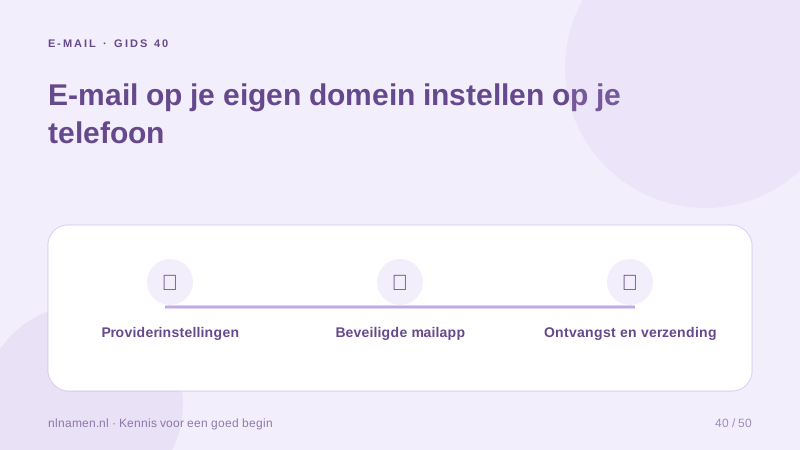
A custom-domain address can work in a mail app when the provider supports the required protocols. Get server details from the mail service.
Get the actual settings
Obtain incoming and outgoing hosts, ports, encryption and username format. Do not guess a mail.yourdomain.nl hostname; providers often use central server names.
Separate receipt and sending
IMAP commonly synchronises server folders and SMTP sends mail. Test both. Verify the username format and whether the provider requires an app password or another access method.
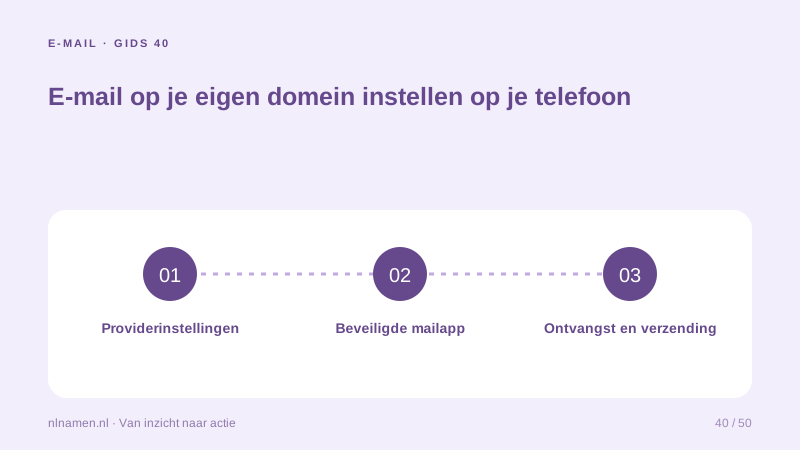
Resolve security errors correctly
Certificate warnings can indicate wrong hostnames or configuration. Check official instructions rather than bypassing them. Secure the device and retain independent domain-account recovery access.
Your practical checklist
- Use official server settings.
- Test incoming and outgoing mail.
- Use required secure connections.
- Keep independent recovery access.
If receiving works but sending fails, check SMTP before changing MX again.
Sources and further reading
Registration rules and provider functions can change. Check the current requirements for your domain before ordering or changing services.
Ready for your own .nl?
€9.99 for year one, €12.99 renewal or 3 years for €27. No hosting required.
Check your domain →