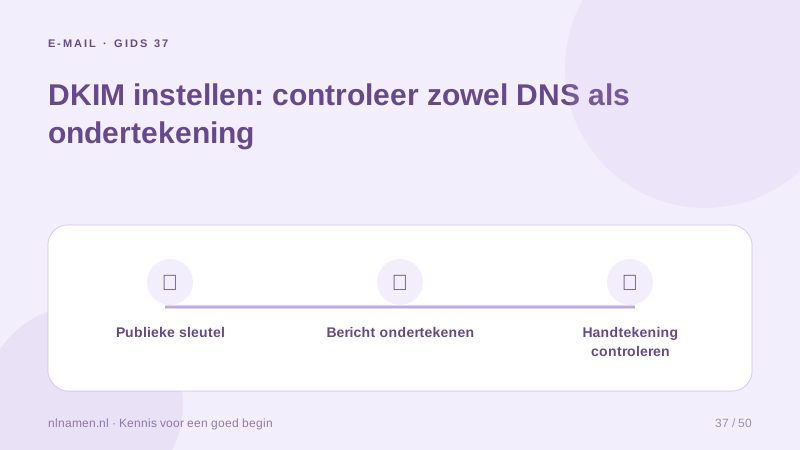
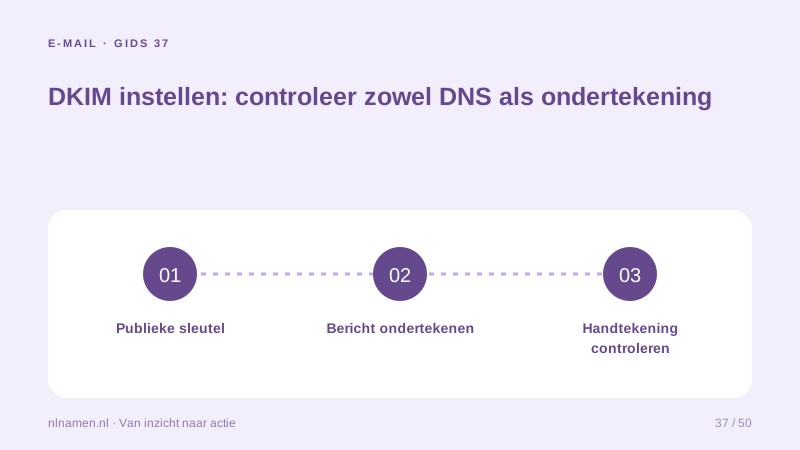
DKIM signs email and lets receivers verify it using DNS information. Publishing a record alone may not activate signing at the provider.
Use the provider’s selector
Use the provider’s selector and exact TXT or CNAME instructions. Check automatic domain suffixing. Public keys belong in DNS; private keys do not.
Enable signing at the sender
Some services require a separate activation after DNS verification. Send a new message and confirm it uses the intended selector. Existing messages are not signed retroactively.
Review the result with DMARC
Inspect DKIM pass and its signing domain, then check DMARC alignment. Different services can legitimately have distinct selectors.
Your practical checklist
- Copy the exact selector.
- Publish only public instructions.
- Enable provider-side signing.
- Inspect a newly sent message.
A published key does not sign mail while signing remains disabled at the provider.
Sources and further reading
Registration rules and provider functions can change. Check the current requirements for your domain before ordering or changing services.
Ready for your own .nl?
€9.99 for year one, €12.99 renewal or 3 years for €27. No hosting required.
Check your domain →