A second domain can preserve an old name, catch a common spelling mistake or support a campaign. Registration alone does not connect it to your website. Define each domain’s role and the final visitor address before exposing the same website under several names.
Choose one primary website
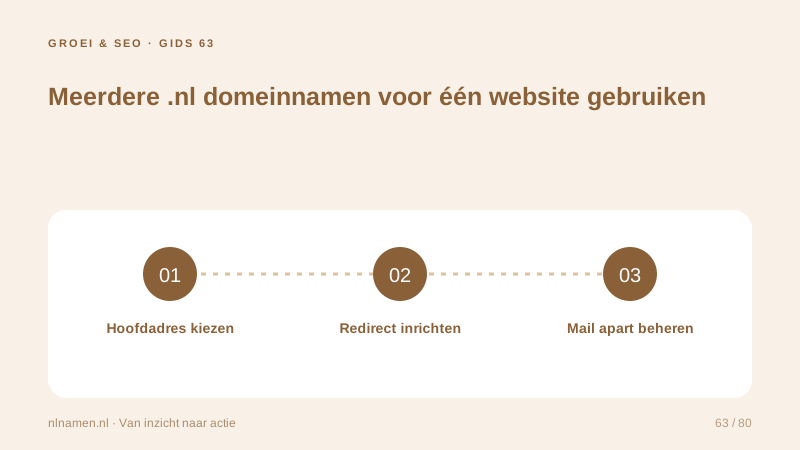
Decide which domain belongs in navigation, invoices and search results. Keep content on that primary address rather than copying every page to additional domains. For an older website, map a former service page to its relevant replacement instead of sending everything to the homepage.
Forward a domain: DNS is not a 301 redirect →
Configure DNS and an HTTP redirect
DNS directs the domain to a server or platform; that platform must return the appropriate permanent HTTP redirect. An A record or CNAME is not itself a redirect. Ask your external website provider about additional domains and HTTPS. Domain registration and DNS do not automatically provide a hosting-based redirect service.
Test hostnames and relevant paths
Test the additional domain with and without www and check relevant old paths. HTTPS must work before a browser can follow a secure redirect. Avoid unnecessary redirect chains. The destination should use its own primary canonical URL, and the journey should work on mobile and desktop.
.nl with or without www: choose one primary address →
Manage mailboxes and renewals separately
A website redirect does not forward email for the additional domain. Configure mail only where needed using the selected mail service’s instructions. Track each domain’s holder, renewal, redirect target and mail use. A bundle contains separate registrations; a .nl three-year selection does not automatically change other domains’ terms.
Your practical checklist
- Define each extra domain’s purpose.
- Choose one primary website address.
- Test HTTPS, www and old pages.
- Track email and renewals per domain.
A business retains its old .nl after rebranding. Its platform redirects important old pages to matching new ones, while the old mailbox remains separately active during the transition. Website redirects do not receive customer email.
Common questions
Does registering ten domains give me more SEO value?
Registration alone creates no useful content, reputation or search traffic. Use additional domains for defined purposes and maintain a strong primary website.
Sources and further reading
Registration rules and provider functions can change. Check the current requirements for your domain before ordering or changing services.
Ready for your own .nl?
€9.99 for year one, €12.99 renewal or 3 years for €27. No hosting required.
Check your domain →