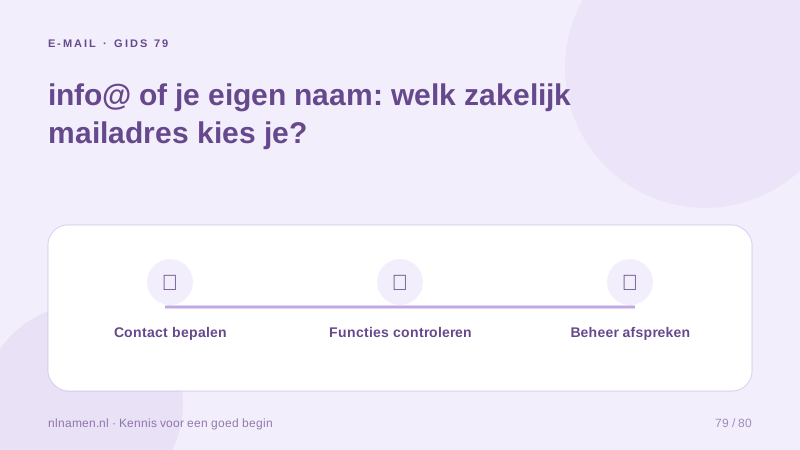
The part before @ often makes an address feel personal or general. A first name may suit a freelancer, while a role address can be easier for an association to hand over. Start by deciding who reads and answers messages; an attractive address needs clear inbox responsibility.
Choose for the customer interaction
A personal address suits customers working with one named contact. A role address can suit general questions that may later move to another person. Avoid implying a support department that does not exist. Test the address in quotes and appointment confirmations.
Create a business email address on your own domain →
Separate naming from mailbox features
A mailbox, alias and forwarder are different features. Another address before @ does not automatically create a separate inbox. Our offer is one 15 GB mailbox at €2.70 monthly per selected domain. Do not assume unlimited aliases, shared access or multiple users; verify available features before planning a team setup.
Keep the sender recognisable
Use a clear display name matching the website and quotes. A general address can still have a personal signature. Say the full address aloud and verify spelling. Proper mail configuration remains necessary; a well-chosen name alone does not ensure delivery or prevent spam classification.
Mailbox, alias or forwarding address: which do you need? →
Plan handover and continued access
Define inbox responsibility, secure handover and departure procedures. Keep independent reachable contacts for domain and payment recovery where appropriate. Check dependencies before removing a personal address. Teams needing separate mailboxes should evaluate an appropriate team service rather than distributing one shared password.
Your practical checklist
- Choose personal or role-based naming for actual use.
- Check mailbox, alias and user features separately.
- Use a recognisable display name and signature.
- Record responsibility and handover procedures.
A freelance designer chooses a role address for general enquiries that a future colleague might handle, while signing messages personally. Before adding staff mailboxes, she evaluates the necessary team features.
Common questions
Does one order include both info@ and my personal address?
Our offer is one mailbox per selected domain. Additional addresses or aliases are not automatically promised extra mailboxes; check supported features before relying on them.
Sources and further reading
Registration rules and provider functions can change. Check the current requirements for your domain before ordering or changing services.
Ready for your own .nl?
€9.99 for year one, €12.99 renewal or 3 years for €27. No hosting required.
Check your domain →