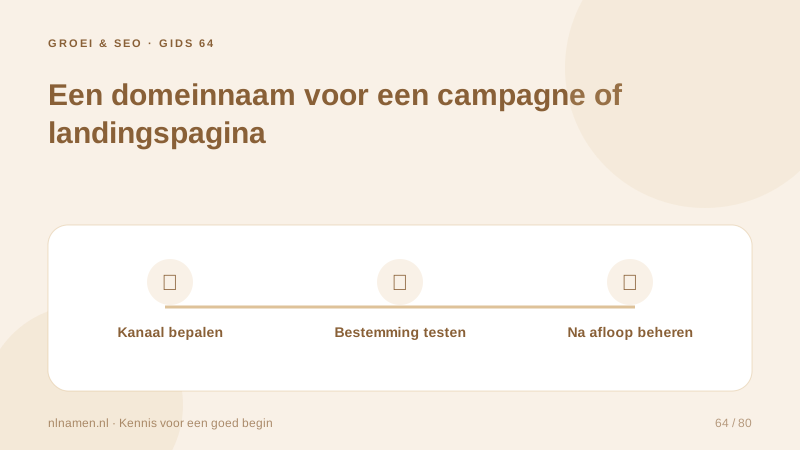
A short campaign address can work well on posters or in radio advertising. A dedicated domain is not always necessary; a clear page on your main website may achieve the same goal. Decide using audience, recognition and maintenance needs, including what happens after the promotion.
Choose a page or a separate domain
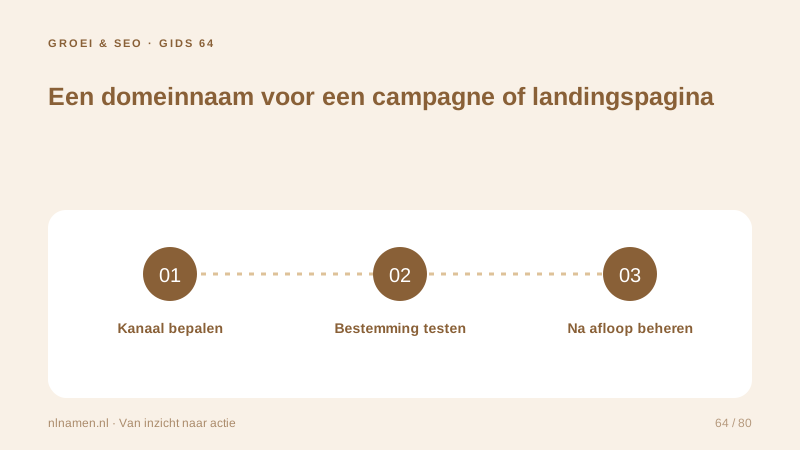
Use a page on your main site when brand recognition and simple navigation matter most. Consider another domain when people need a short memorable address. Check availability and rights before printing. A path or subdomain may avoid another registration, but still requires proper website configuration.
Subdomain or another domain: choose a clear structure →
Send visitors to a useful destination
Decide whether the campaign domain hosts its own page or redirects to a specific main-site page. Avoid duplicating an entire website merely to show another name. The web platform must perform any redirect; DNS changes alone are insufficient. HTTPS should work on the campaign address too.
Measure the channel thoughtfully
Agree how campaign visits will be measured, for example through campaign parameters. Test whether redirects preserve those details and align analytics with your privacy choices. Do not put personal data in public URL parameters. Test the full route from the printed address or QR code to the final form.
Forward a domain: DNS is not a 301 redirect →
Plan the domain’s end of life
Posters, leaflets and links can outlive a promotion. Do not let the domain expire without reviewing those uses. After the campaign, direct visitors to relevant information and remove outdated offers. Record renewal responsibility and any email or account-recovery dependencies; taking down the page does not remove them.
Your practical checklist
- Compare a domain with an existing site path.
- Check the name before printing.
- Test redirects, HTTPS and campaign parameters.
- Plan the post-campaign destination and renewal.
A museum prints a short address for an exhibition. It points to one exhibition page. Afterwards, the address continues to work, but the destination explains that the event ended and links to the current programme instead of expired ticket sales.
Common questions
Does a temporary campaign need a temporary domain?
No. A page on your existing site is often sufficient. A separate domain adds registration, technical setup and post-campaign maintenance, so use one when it serves a clear purpose.
Sources and further reading
Registration rules and provider functions can change. Check the current requirements for your domain before ordering or changing services.
Ready for your own .nl?
€9.99 for year one, €12.99 renewal or 3 years for €27. No hosting required.
Check your domain →